- DATE:
- AUTHOR:
- DealPOS
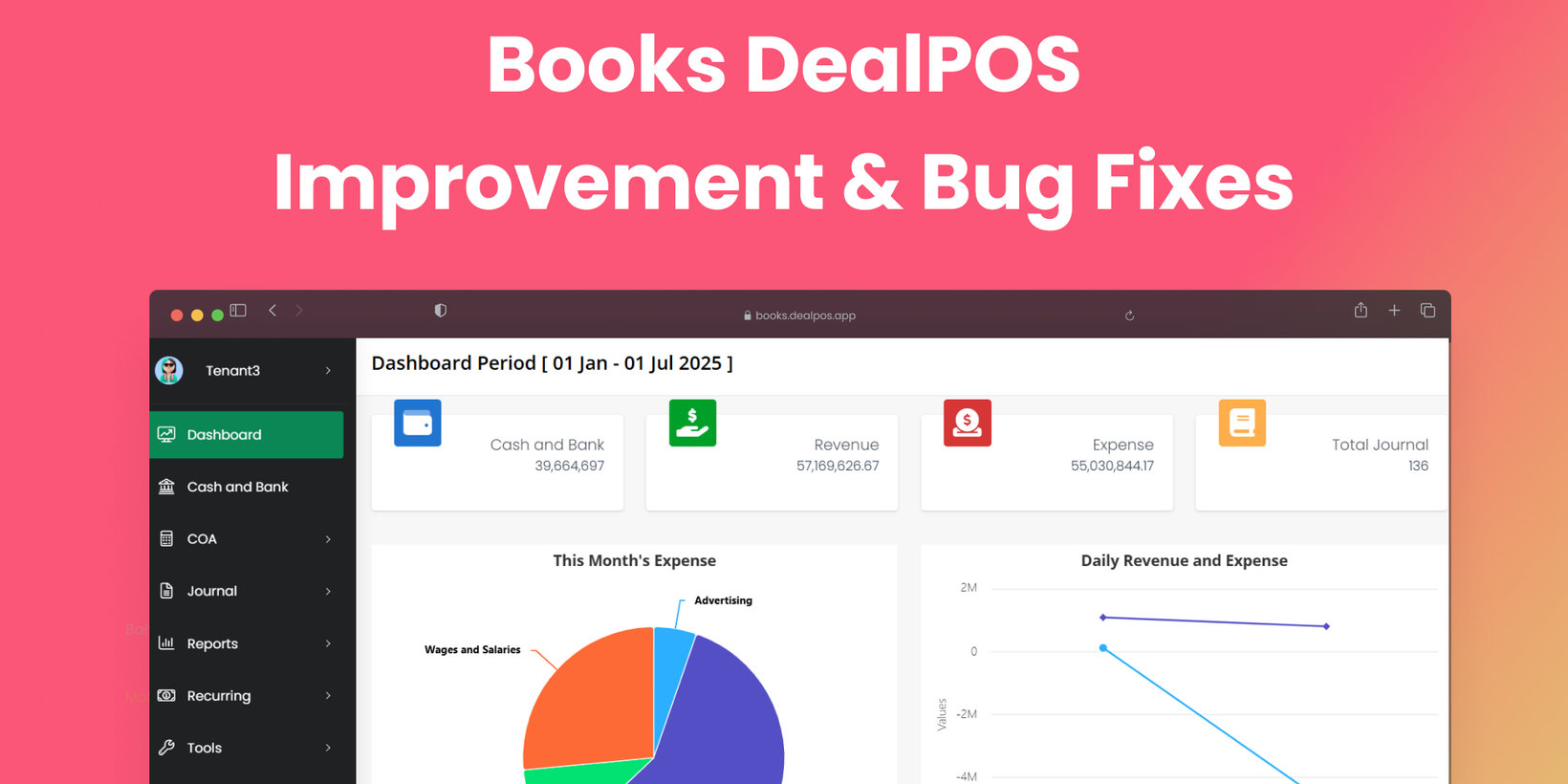
Books Version 1.9.8
Import with Stepper
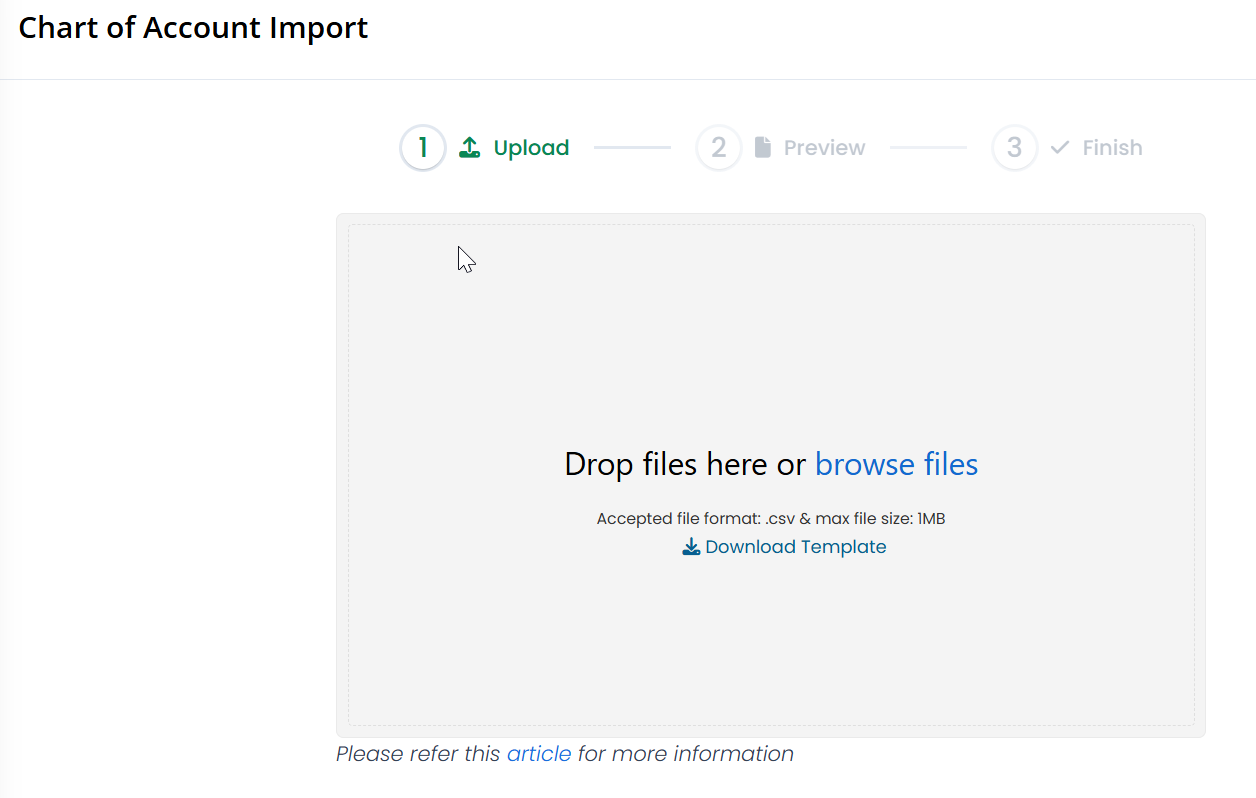
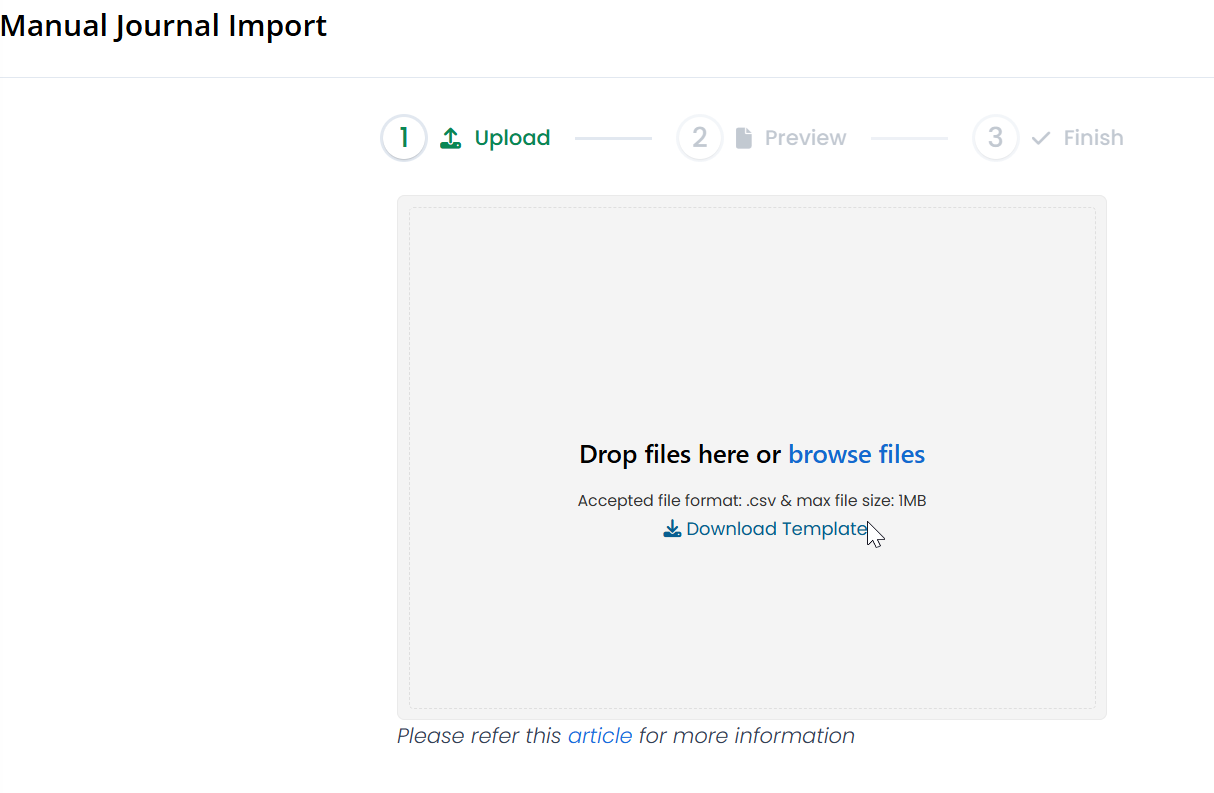
We've enhanced the Import Chart of Accounts (COA) and Journal features with a new stepper-based UI/UX, providing a clearer and more guided experience throughout the import process.
The new import flow now consists of three easy-to-follow steps:
Import – Upload your source file.
Preview – Review and validate your data before proceeding.
Upload – Finalize and confirm the data import.
This update gives users better control and visibility, helping reduce errors and streamline the import workflow.
Import Chart of Account
Import Journal
Minor Improvement:
Added filter in Generate Journal – Adjustment
Finalized Recurring Menu:
Recurring Expenses
Asset Value
Post Recurring Expense
Show User Creator in Manual Journal Info
Show COA Notes in Manual Journal List
Disabled Edit/Delete for Main COA Category
Update COA Balance – Hide COA if balance is zero
Improved Search Handling in Generate Journal > Filter by Outlet
[POS Setup] – Added search in Outlet and Payment
UI Improvements for:
Manual Journal
Record Expense
Receive Money
Export COA – Added Column: ID
Add Chart of Account – Display full category tree
Chart of Account:
Implemented sorting by Category and Code
Added filter for Discontinued COA
Bug Fixes
Fix [COA > Edit Account] – Account not automatically assigned after edit
Fix Manual Journal – Error when editing journal
Fix General Ledger – Filters by Category, Customer/Supplier, and Date not working
Fix POS Setup > Write-off – Description not displaying
Bug Fix: