- DATE:
- AUTHOR:
- Ezzan
WebApp Version 26.17 Changelog
This update includes new features, essential performance improvements, and usability enhancements, ensuring your daily operations run smoothly. We've also addressed several bug fixes to enhance stability and reliability. DealPOS continues to evolve as a reliable POS Software designed to support retail business operations with better performance and usability.
Thank you for your continued trust and feedback, which help us deliver the best possible service.
New Feature:
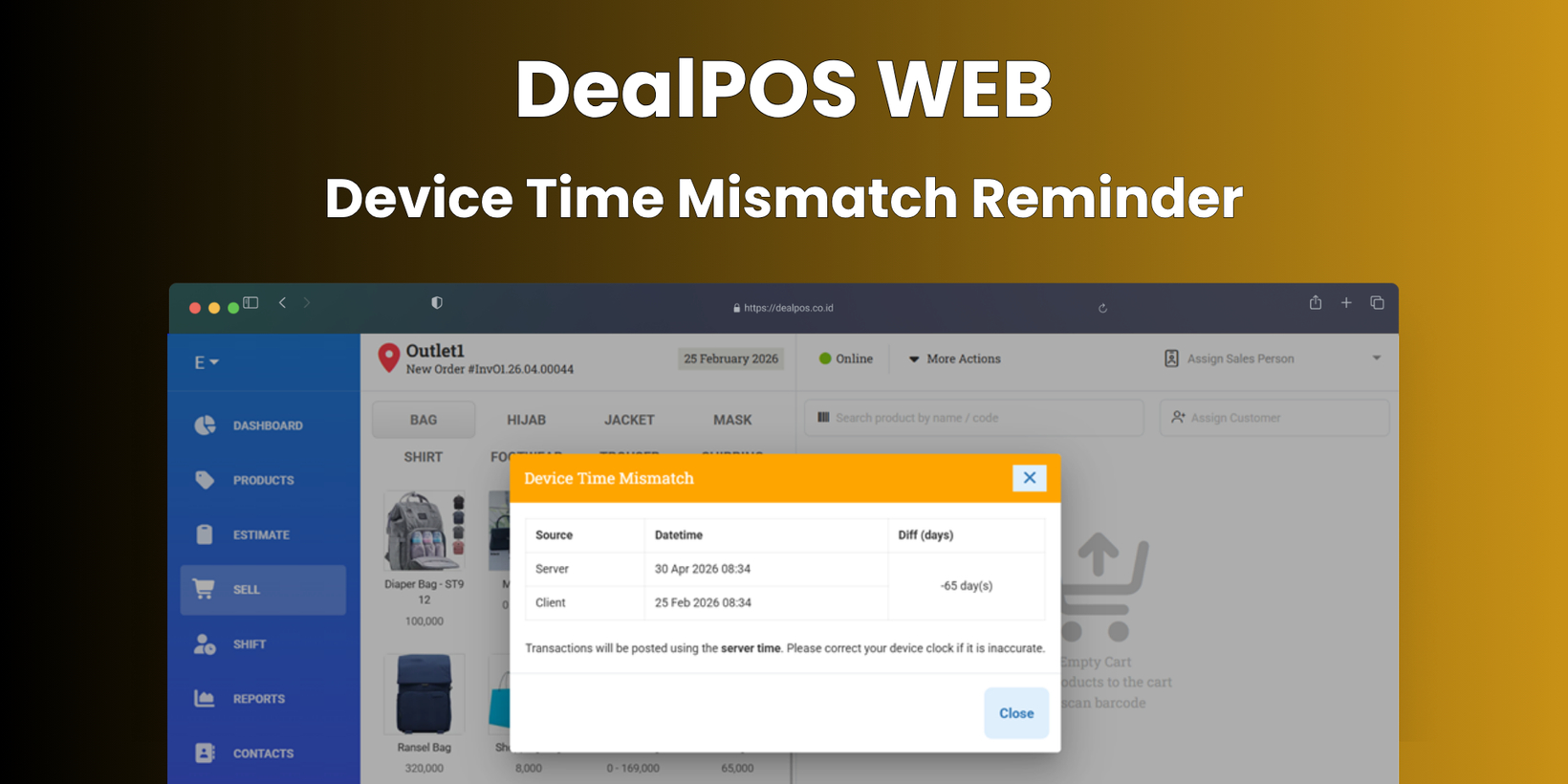
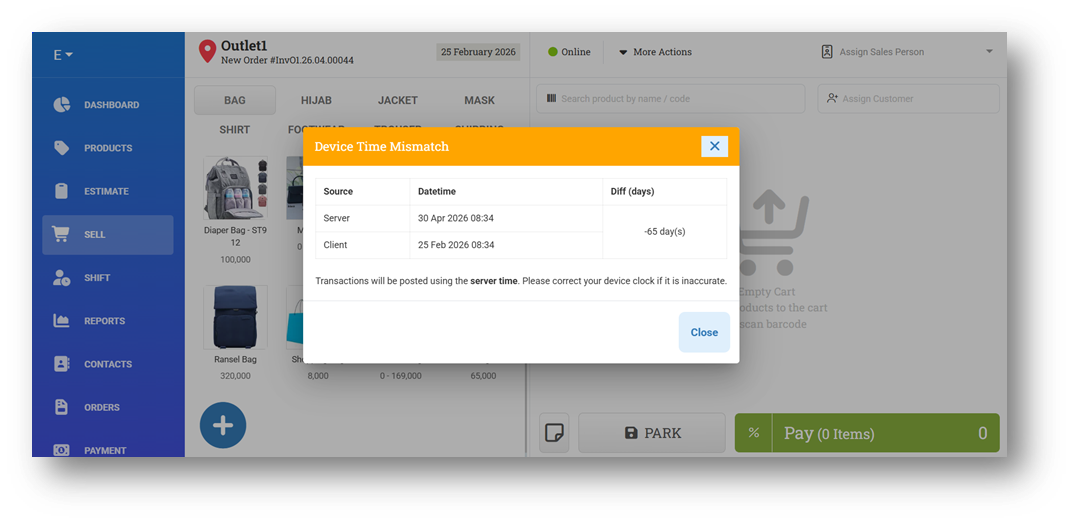
[Sell] Device Time Mismatch Reminder
We’ve introduced a warning modal that appears when users (without the Global Date role) open the Sell menu and their device date differs from the server date. This helps reduce the risk of incorrect transaction dates by alerting users before they proceed.
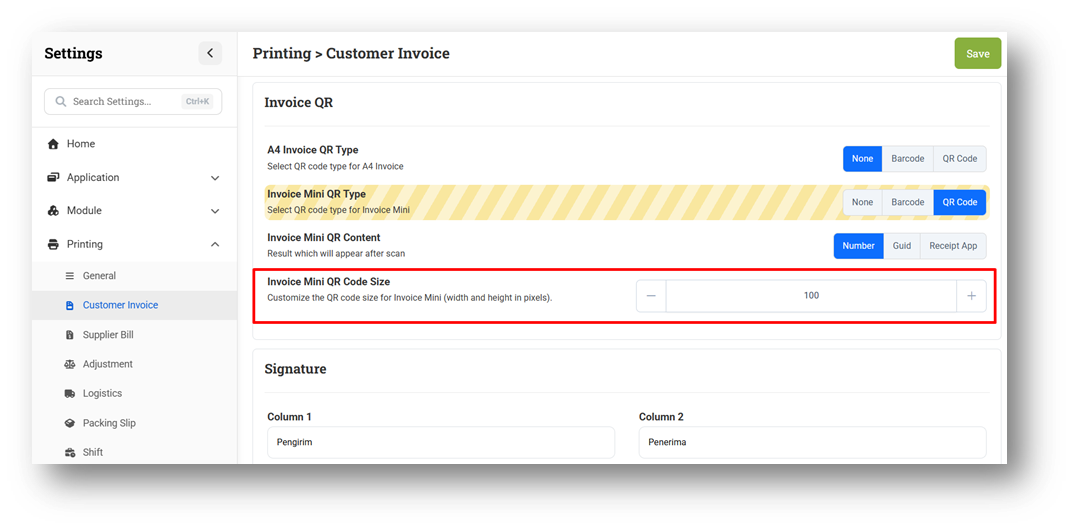
[Settings - Printing (Invoice)] Custom QR Code Size for Mini Invoice
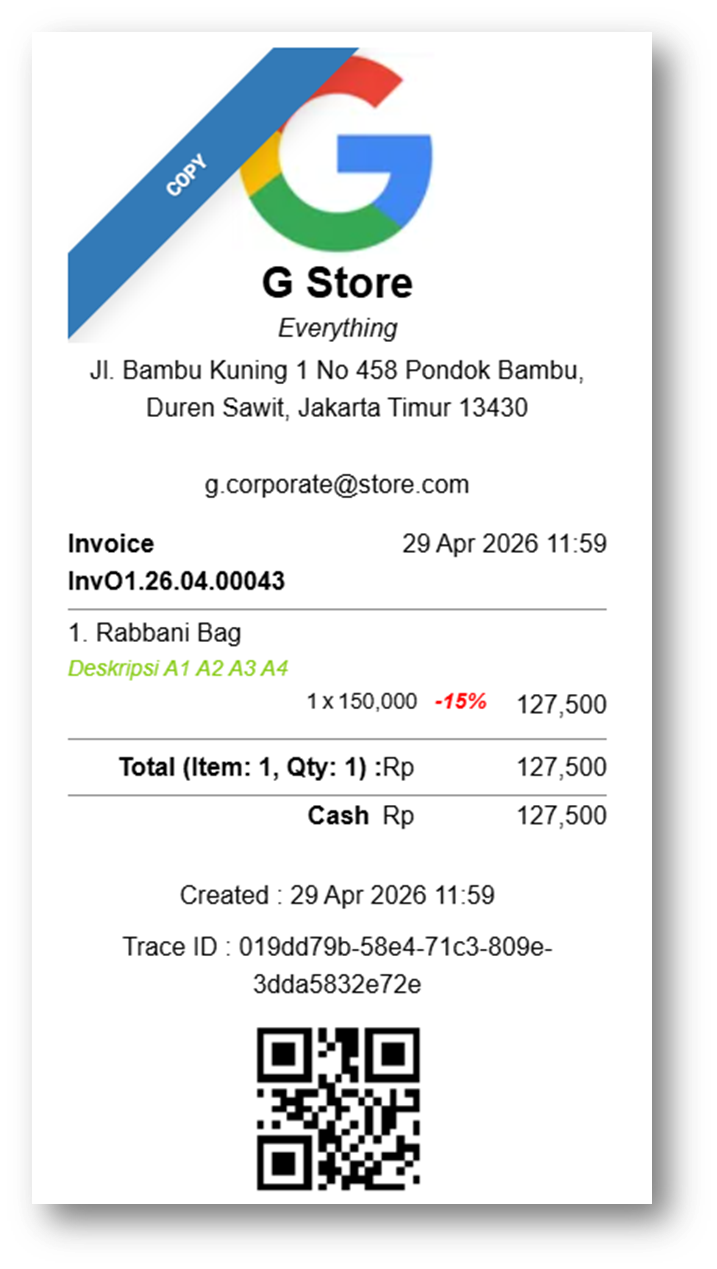
We’ve introduced a new setting to customize the QR Code size (pixel-based) specifically for Mini Invoice (8cm format). This allows users to better adjust the QR Code appearance to fit the limited print space.
With this setting, users can control the QR Code size to ensure it remains clear, scannable, and well-proportioned within the mini invoice layout.
This feature was developed based on customer request #14147
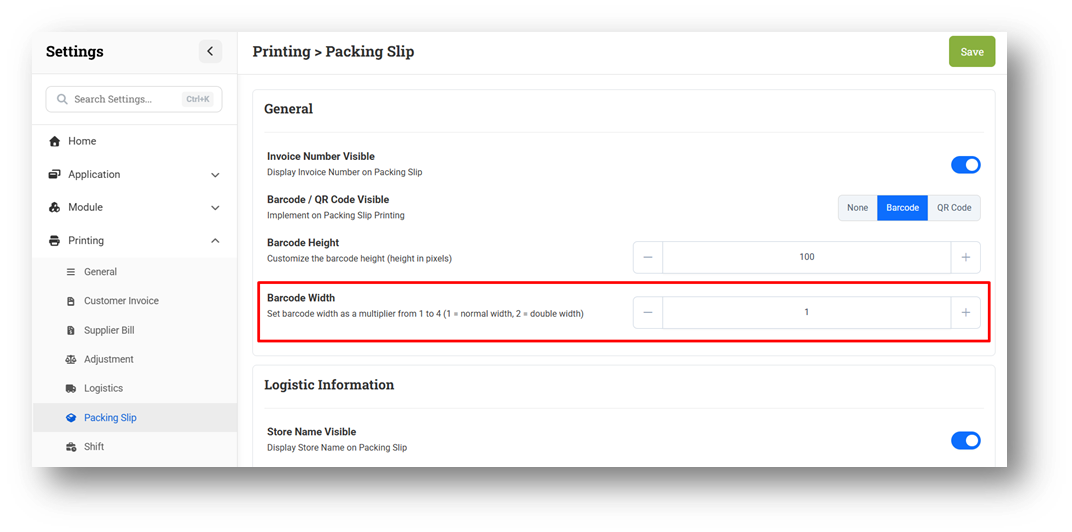
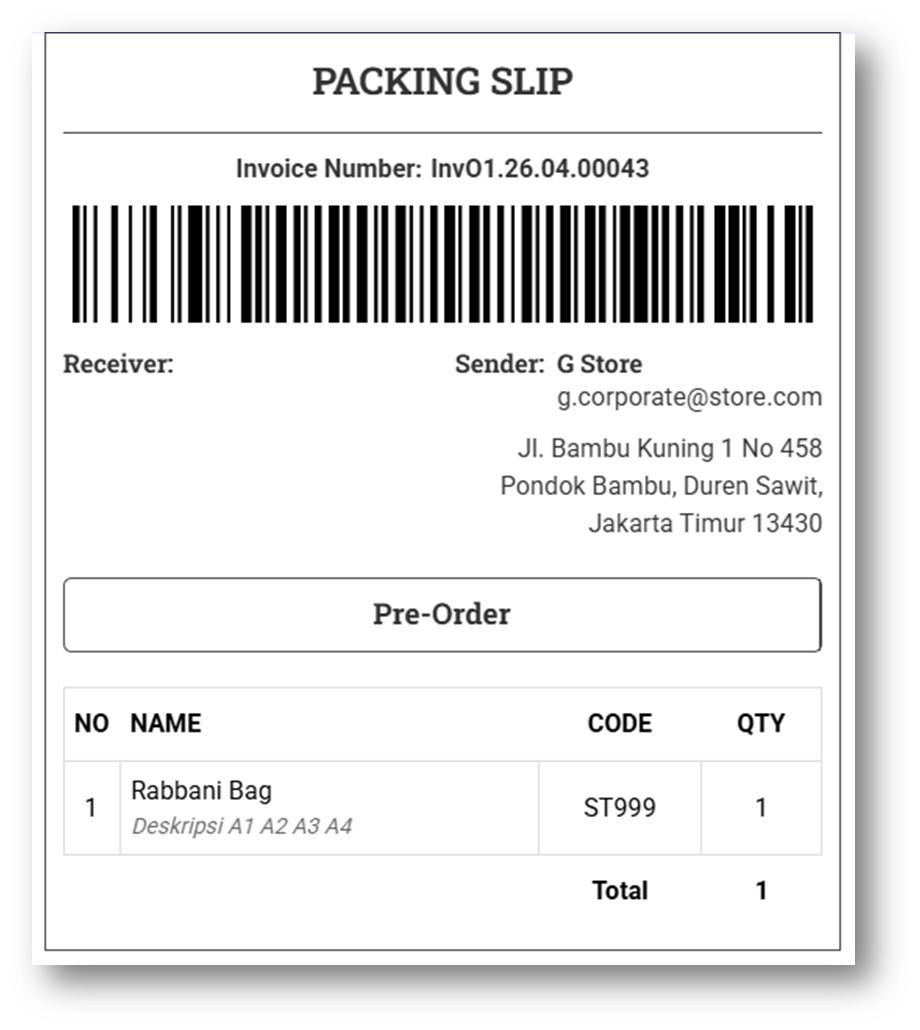
[Settings - Printing (Packing Slip)] Custom Barcode Width Setting
We’ve introduced a new setting to customize Barcode Width for packing slip printing, complementing the existing Barcode Height (pixel-based) configuration. This allows users to better control the appearance of barcodes in packing slip.
Unlike height, the width is configured using a ratio scale (1–4) instead of pixels, making it easier to adjust proportionally. This enhancement provides more flexibility to ensure barcodes are clearly readable across different printing formats.
This feature was developed based on customer request #14144
Minor Improvements:
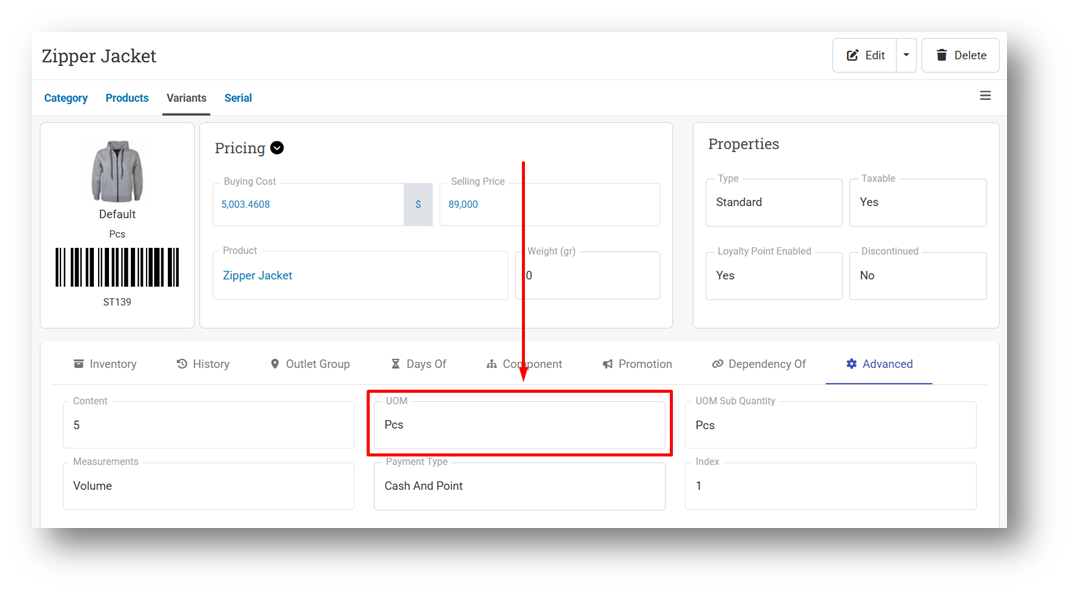
[Products - Variants] Display UOM Field in Variant Info Page
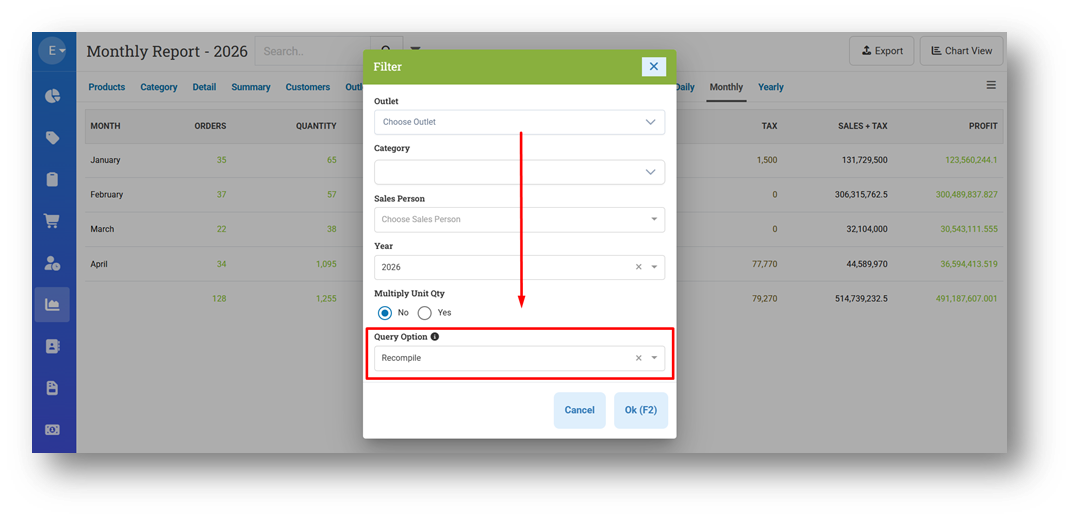
[Reports - Monthly (Table View)]
Optimize Monthly Reports Query
Provide Query Option Filter
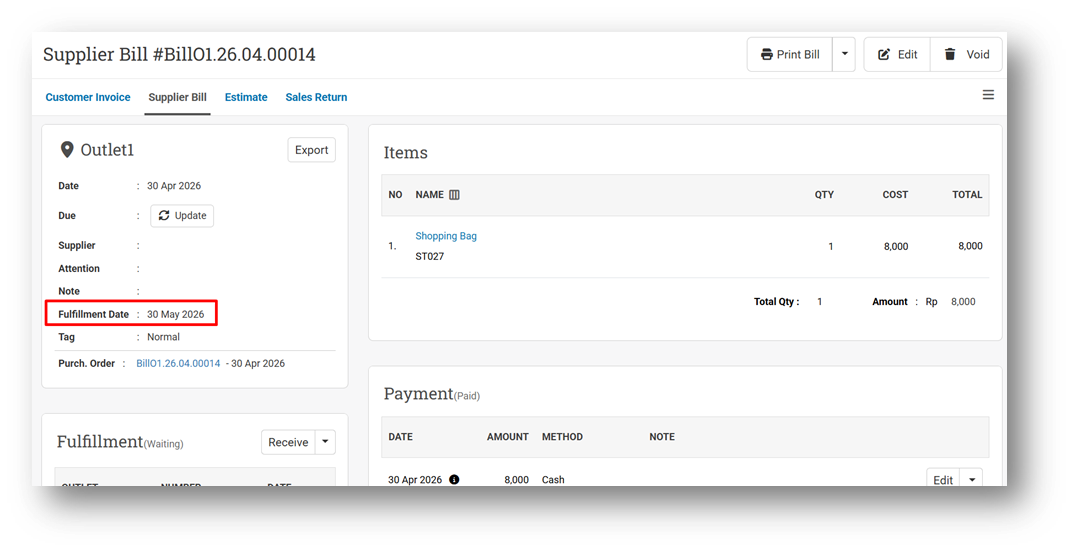
[Orders - Supplier Bill] Provide Fulfillment Due Date Field
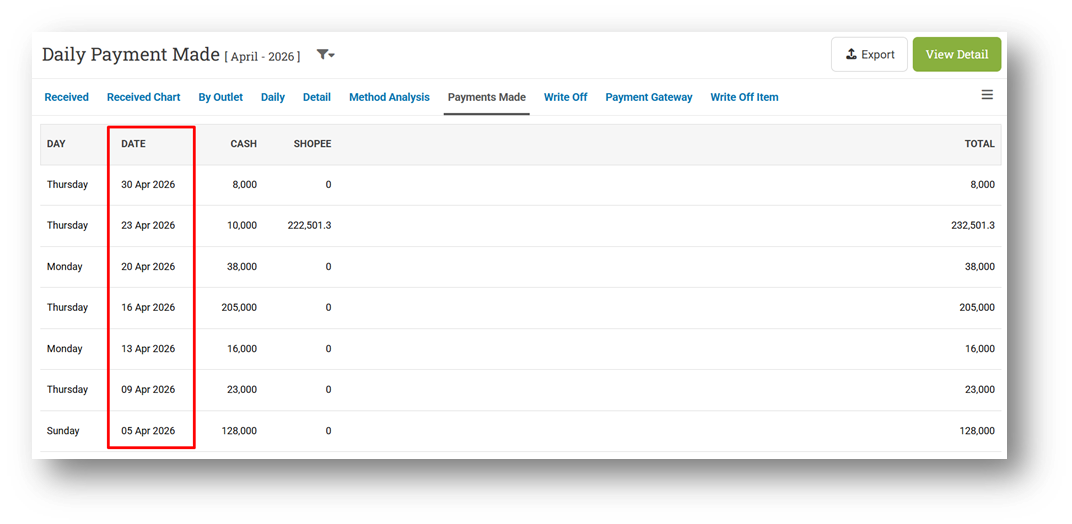
[Payment - Payment Made] Order Data by Date
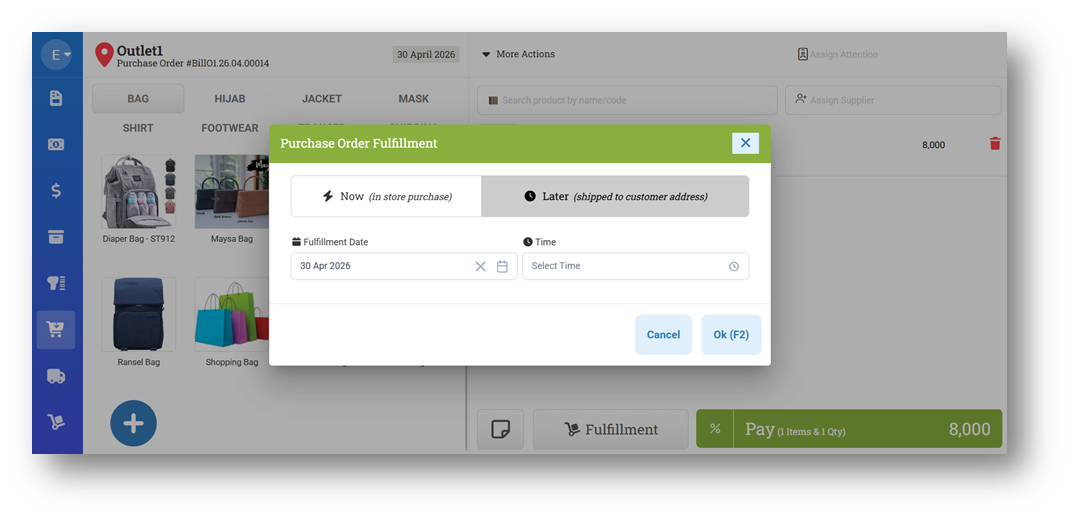
[Buy] Provide Due Date Option for Later Fulfillment
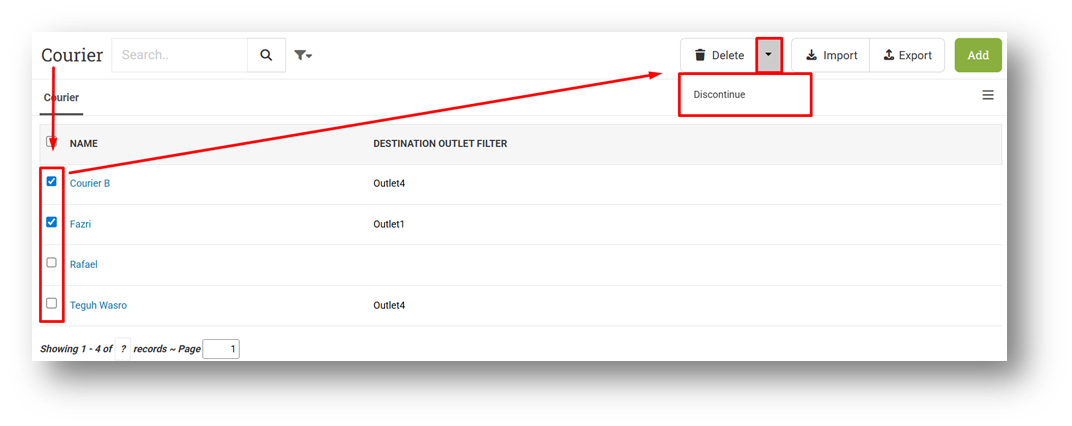
[Logistics - Courier] Provide Discontinue Courier in List
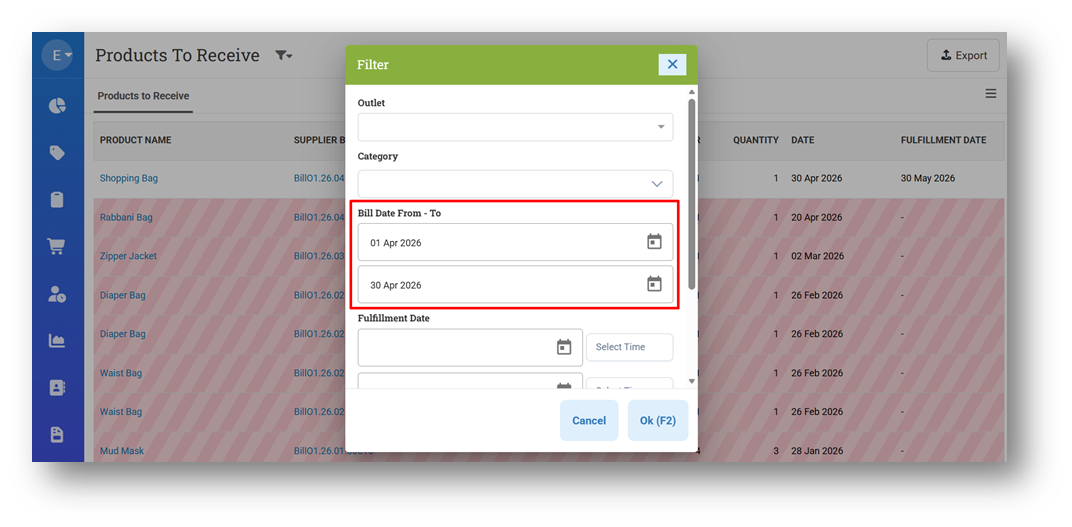
[Fulfillment - Product To Receive]
Rename "Unfulfilled Products (Awaiting)" to Product To Receive
Provide Bill Date Filter
[Receipt App] Improve Emoji Color for Receipt App
Bug Fixes:
[Products - Serial]
Fix Zero Serial Quantity After Importing
Fix Missing Import Serial Summary
Fix Serial Number Import Exceeds Remaining Quantity Validation
[Products - Import] Fix UOM Field Incorrectly Flagged as "Changed" During Product Import
Deprecated:
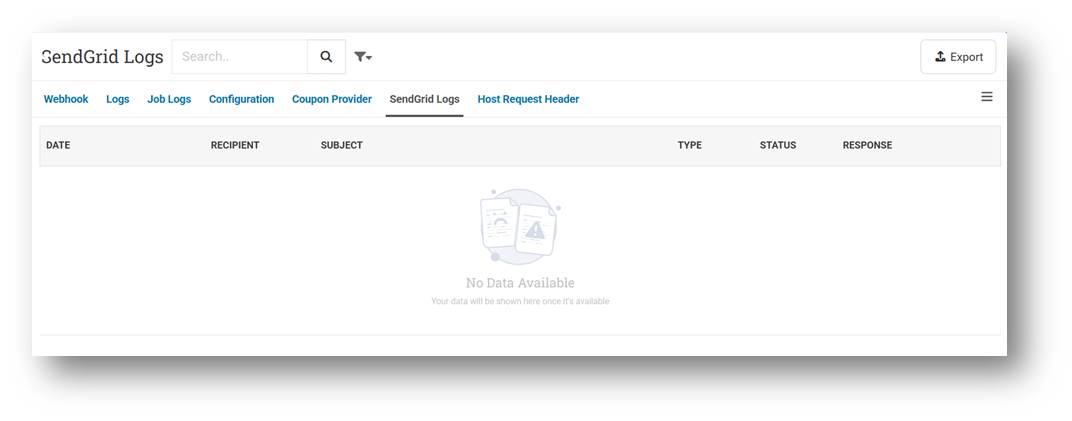
[Developer - SendGrid Logs] SendGrid Logs Page
The SendGrid Logs page has been removed as part of our system optimization and data privacy improvements. This page was previously used to track the delivery status of daily email reports. In the future, if you experience issues with email reports not being received, we recommend contacting our Customer Support team for further assistance.
Patch 26.17.1 [5 May]:
[My Subscription]
Fix Expand Register Button Not Work After Load Min & Max Date
Provide Months Label & Currency Information for AddOns
[Reports - Monthly (Table View)] Fix Monthly Report Summing Returns as Positive Sales
[Orders - Sales Return] Fix CSV Export Display Blank Data
[Debt - Join Invoice]
Fix Incorrect Logic for Remaining Visible
Fix Remaining Amount on Printing Not Count Invoice Tax
[Promotion - Event]
Fix Delete Promotion Reward Does Not Work Properly After Searching For Item
Fix Search Functionality Breaks After Editing Promo Item Details
[Settings - Print (Packing Slip)] Improve Min & Max QR Code Size Input Validation
Patch 26.17.2 [7 May]:
[Products - Import] Fix Import Deletes Existing Reference and Ratio If Columns are Missing from CSV
[Sell] Improve Mismatch Server & Client Date Trigger
[Shift] Auto Open Print Dialog When Printing Shift Closure
[Reports - Details] Fix Inconsistency for Negative Price and Quantity Between UI & CSV Export
Patch 26.17.3 [9 May]:
[Sell] Fix Error Sync POS Storage
[Reports - Details] Fix Inconsistency for Negative Price and Quantity Between UI & CSV Export
[Orders - Invoice] Fix Incorrect Digit Masking for Last 3 Digits Coupon Visibility in Printing
Overall, this update further establishes the platform as a reliable Inventory Application for your retail businesses. Stay tuned for more updates, and don't hesitate to reach out if you have any questions or need support!