- DATE:
- AUTHOR:
- Ezzan
WebApp Version 26.41 Changelog
This update includes new features, essential performance improvements, and usability enhancements to ensure your daily operations run smoothly. We've also addressed several bug fixes to enhance stability and reliability. DealPOS continues to evolve as a reliable POS Software designed to support retail business operations with better performance and usability. Thank you for your continued trust and feedback, which help us deliver the best possible service.
New Feature:
[PWA] Offline Mode Feature Enhancement
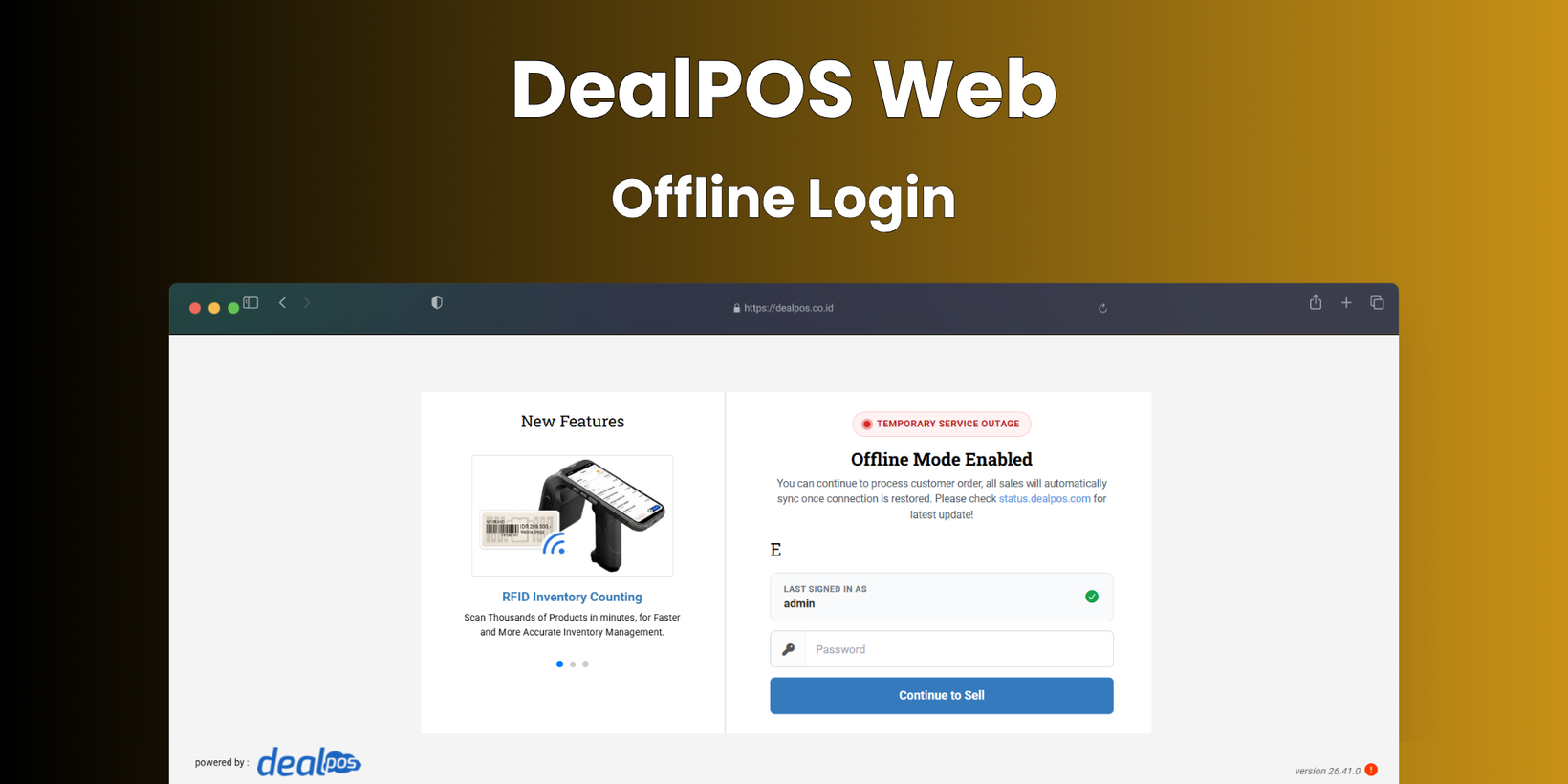
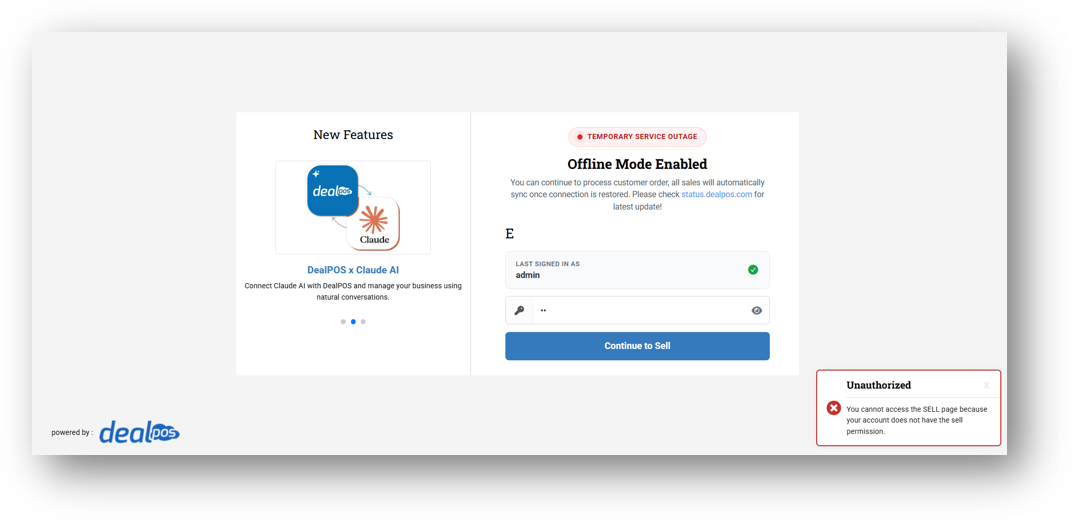
We've improved two key areas of our PWA and Offline Mode experience. First, if you get logged out while offline, you can now log back in without an internet connection—the last logged-in username is remembered, so you only need to enter your password. As before, offline login will take you straight to the Sell menu, since that's the only section fully supported in offline mode.
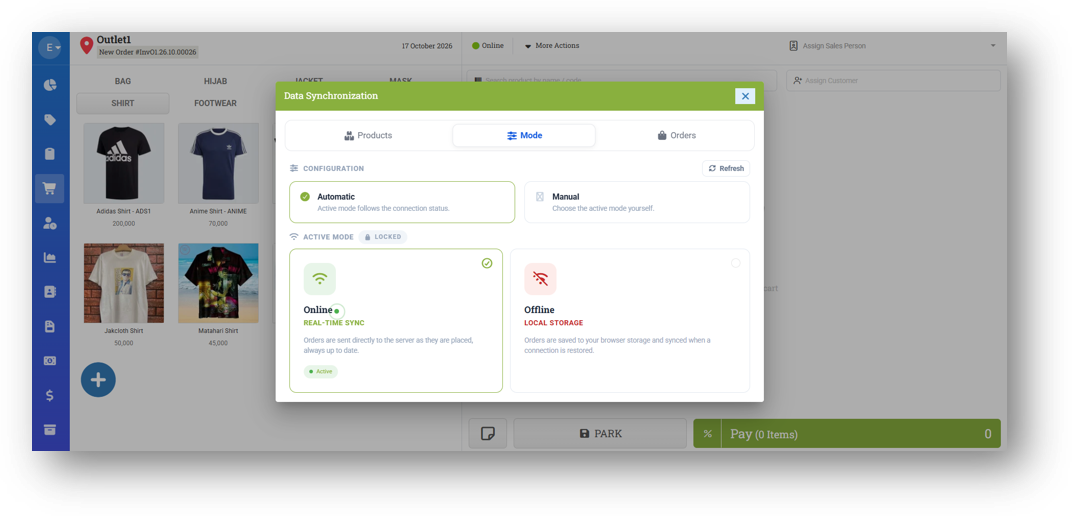
Second, we've addressed an issue where slow internet or slightly high ping could cause the system to mistakenly switch into offline mode, resulting in unintended offline orders instead of normal ones uploaded to the server. The Sell menu now includes an Offline Mode setting that leans toward staying online—so brief connectivity hiccups won't disrupt your transactions. If the status still doesn't seem right, you can click refresh on that page, or switch to manual mode to control Online/Offline switching yourself.
[Products - Variants] Enhanced Variant History with Descriptive Titles
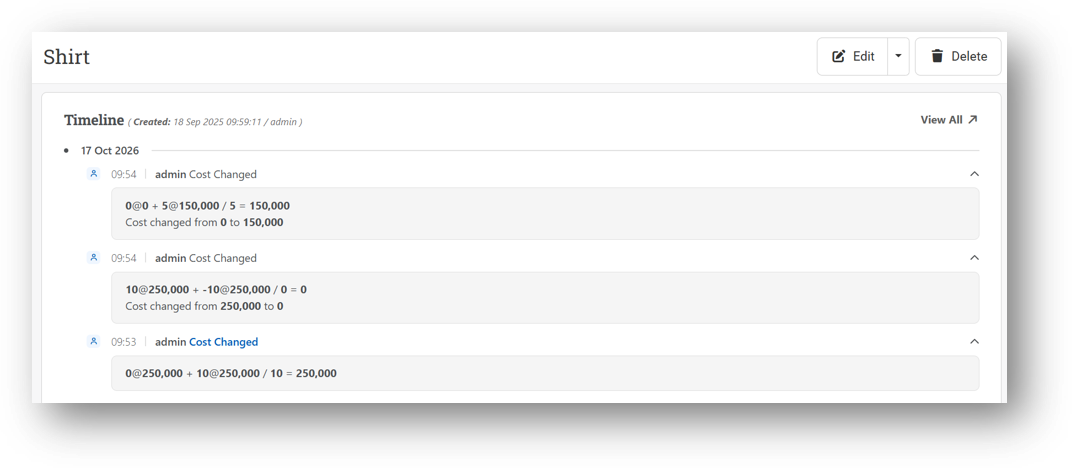
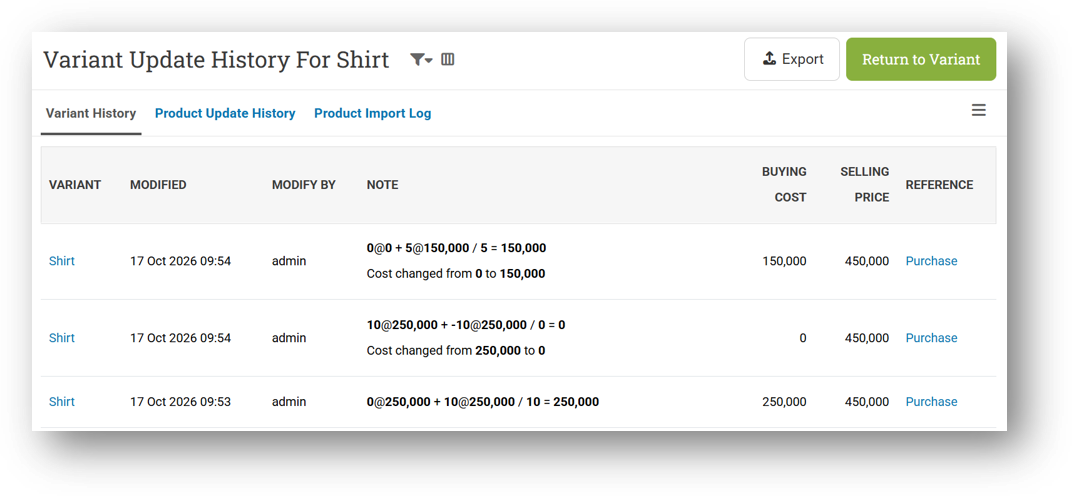
We've enhanced the Variant History feature to make your change records easier to scan and understand. Previously, any modification to a variant—like updating a description or adjusting a price—was simply recorded as a note. Now, each entry is split into a clear, descriptive title alongside the detailed note. For example, if you change the cost, the entry will be titled "Cost Changed", with the full details preserved in the note section as before.
Please note that this informative title is stored in a new database column, so it will only appear for variant updates made after your account reaches version v26.41 or above. Older entries will continue to show the note as they always have, while all new changes will come with these clearer, more scannable titles.
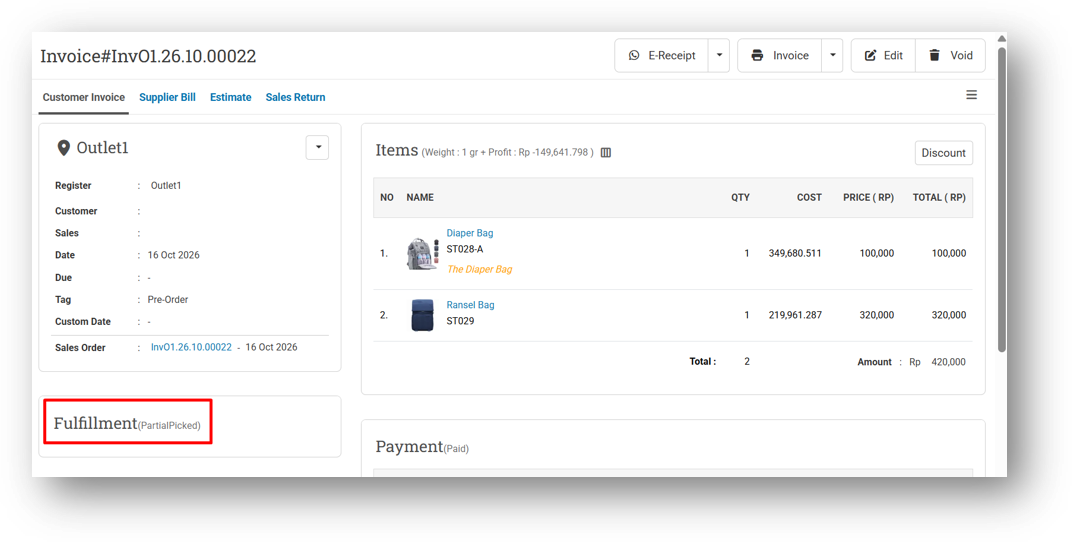
[Orders - Customer Invoice] New Fulfillment Statuses: Picked and Partial Picked
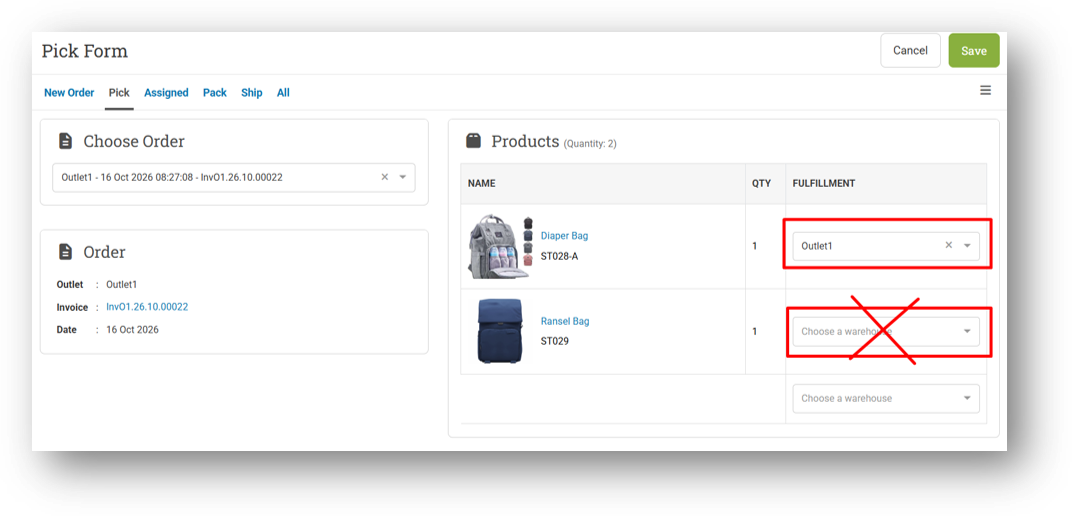
We've added two new fulfillment statuses to give you clearer visibility into the picking stage of your orders. When an order is created (initially Unsent) at one outlet and a shipment is prepared at another outlet using the Fulfillment Pick menu, the status will now reflect picking progress.
If only some of the items in the order are picked, the order status changes to Partial Picked. Once all items have been picked through fulfillment records, the status becomes Picked. And just like before, once the Fulfillment Pick is marked as shipped, the order status will move on to Sent—keeping the whole flow consistent with what you're already familiar with.
Minor Improvements:
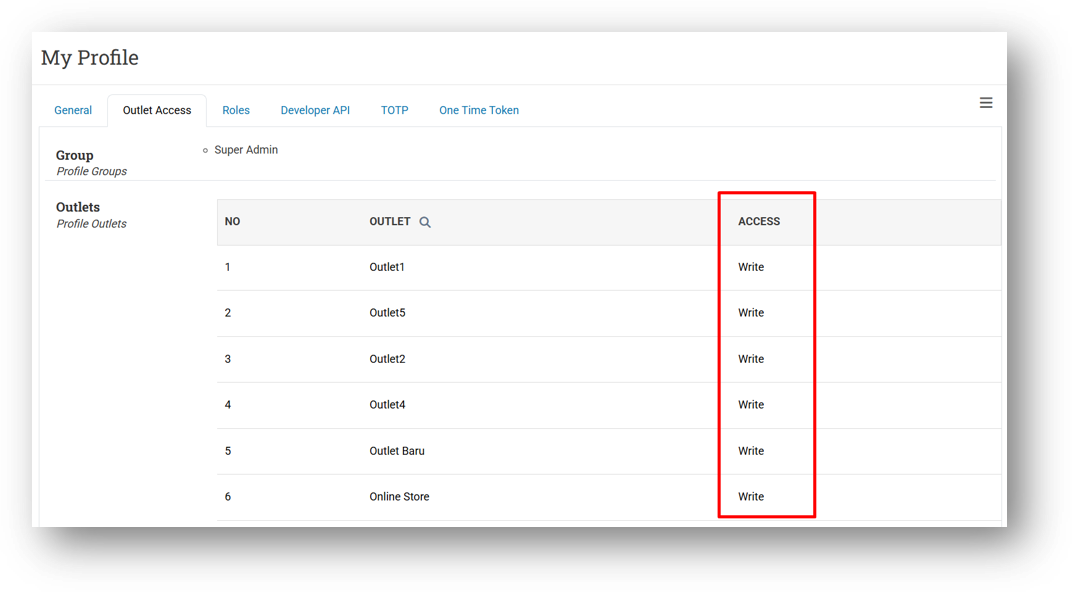
[My Profile - Outlet Access] Exclude Outlet with No Access from List
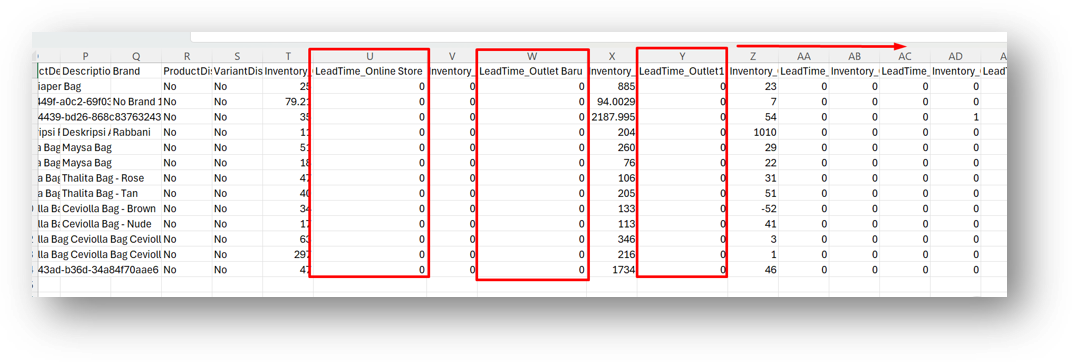
[Products] Provide Outlet Lead Time Column in CSV Export with Inventory
[Products - Variants]
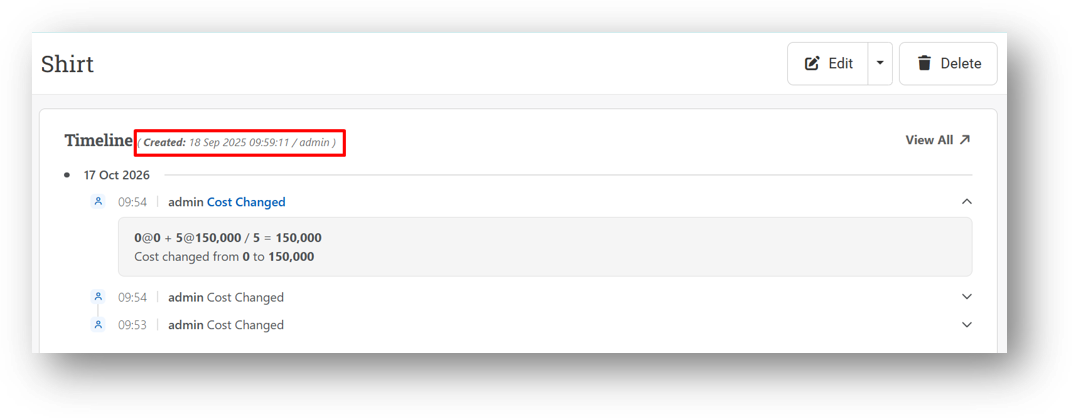
Display Creator & Created Timestamp in Timeline
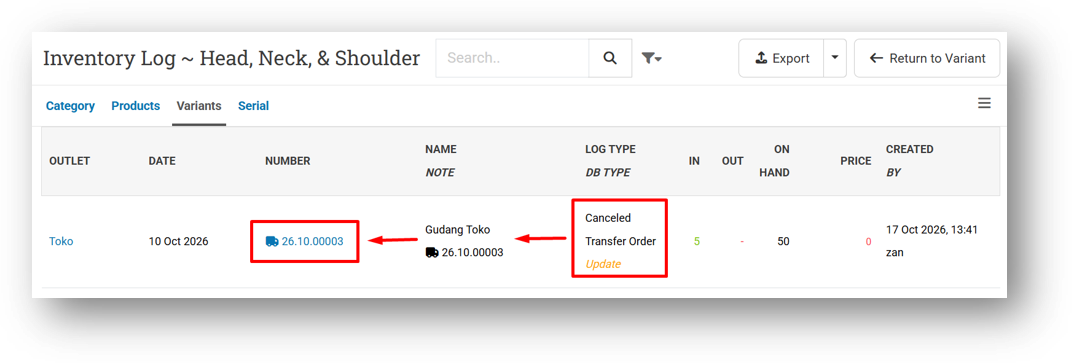
Display Transfer Order Number on Cancelled Transfer Order Log (Users Edit Transfer Order and Remove Item)
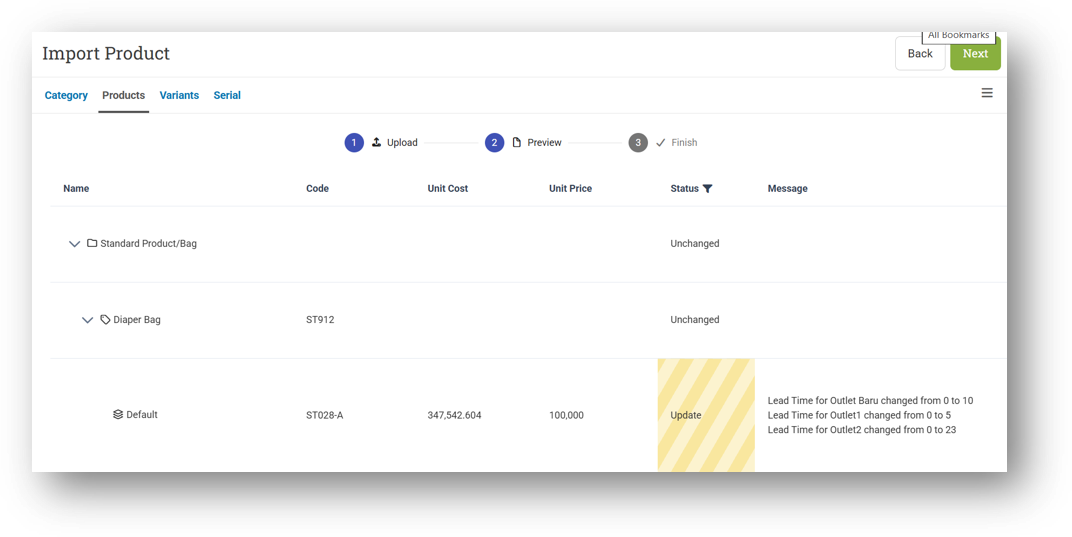
[Products - Import] Allow Users to Update Outlet Lead Time via CSV
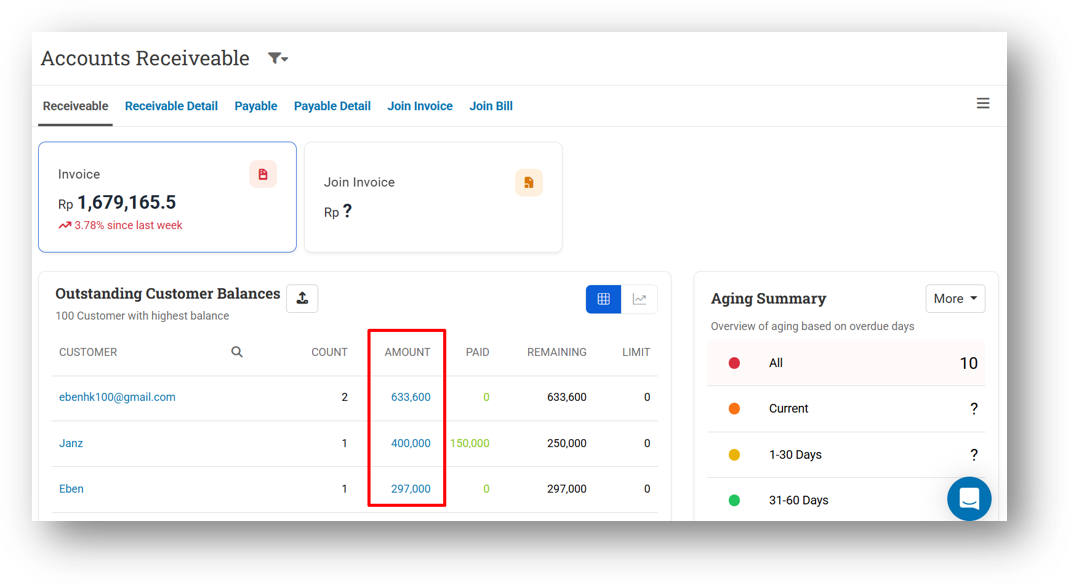
[Debt - Dashboard] Redirect Amount Column on AR & AP Dashboard to New AR & AP Detail Page
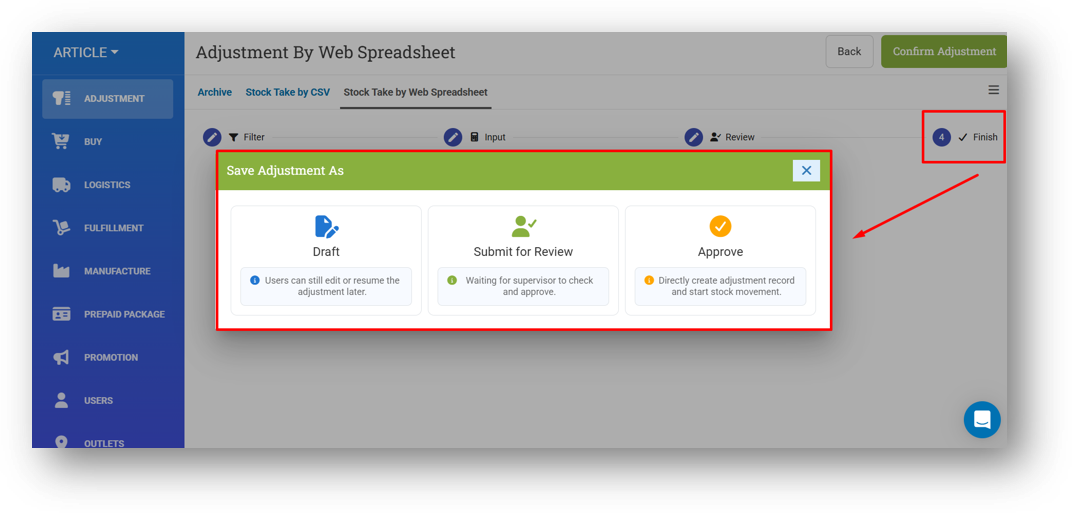
[Adjustment - Spreadsheet] Display "Save Adjustment As" Modal When Clicking Finish Step
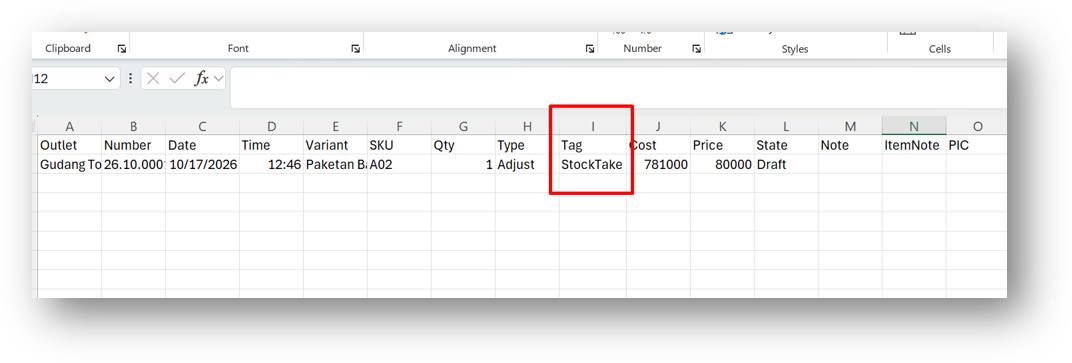
[Adjustment - Report Details] Provide Adjustment Tag in CSV Export
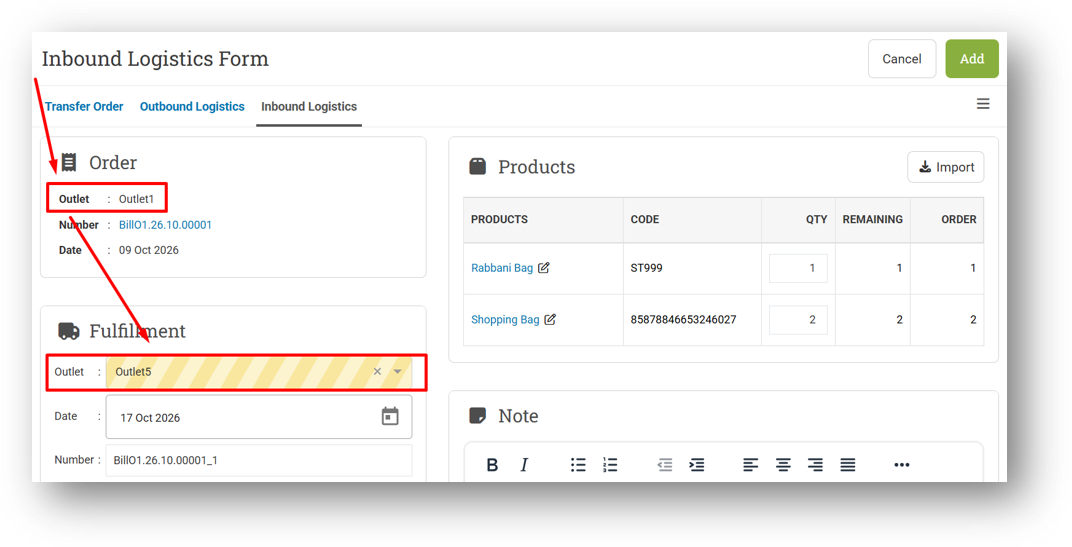
[Logistics - Inbound] Highlight Fulfillment Outlet If Different with Order Outlet
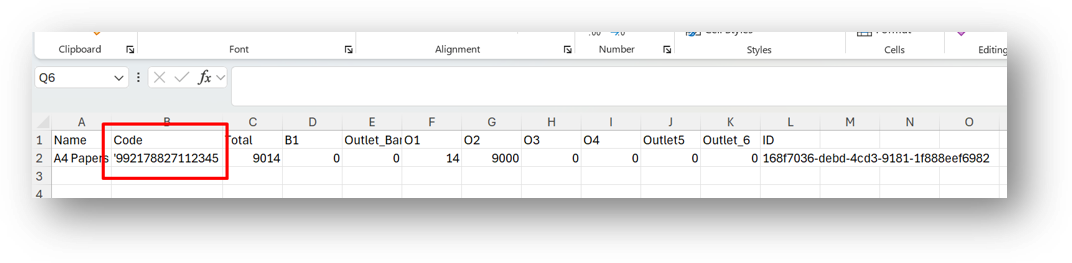
[Inventory - As Column] Provide Quotation Marks for Code Column to Prevent Auto-Convert
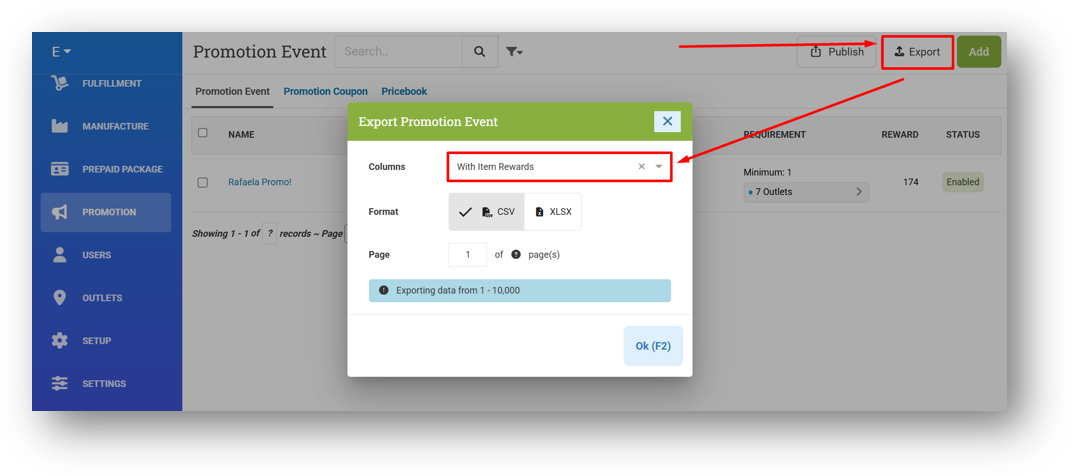
[Promotion - Event] Provide Export with Item Reward Option
Bug Fixing:
[Reports - Products] Fix Incorrect Number Index Column on XLSX Export
[Adjustment] Fix Missing "In Review" Status Badge from Adjustment Info Page
[Logistics - Transfer Order] Fix Tag & Date Changed Incorrectly Appear on Transfer Order Update History When Receiving Transfer Order
Overall, this update further establishes the platform as a reliable Inventory Application for your retail businesses. Stay tuned for more updates, and don't hesitate to reach out if you have any questions or need support!